
FREE A0 TEMPLATE 1:500 DWG
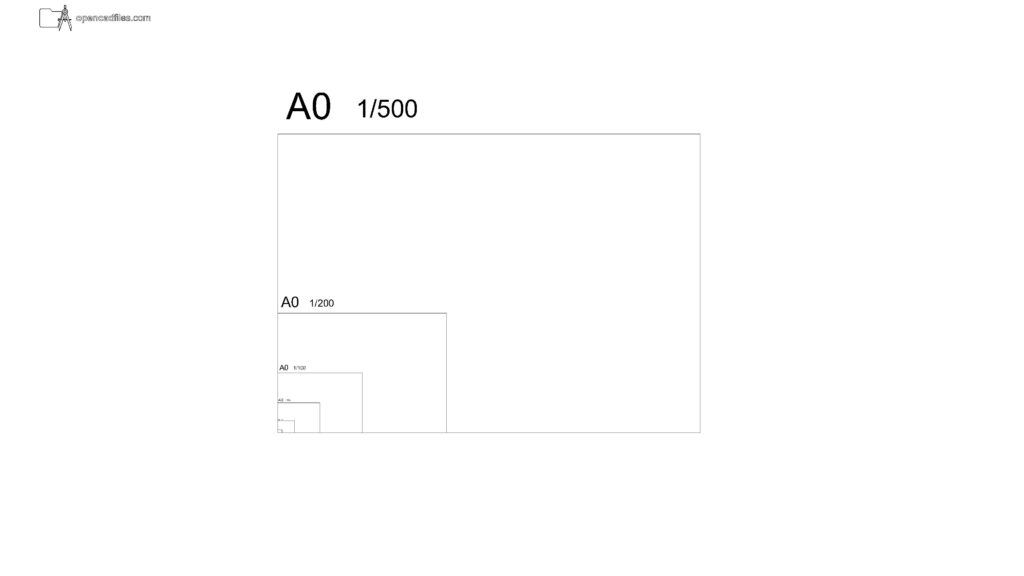
This free a0 template 1 500 dwg provides the precise rectangular boundary needed to outline standard site plans or large building complexes directly in your model space. Looking at the nested layout, the “A0 1/500” text is placed clearly just above the upper-left corner of the third largest rectangle. You can insert this free a0 template 1 500 dwg to establish a localized working area that aligns perfectly with the main coordinate system origin at the bottom-left corner. No sign-up or payment required.
What’s Inside This DWG?
- 100% Free: No sign-up, no payment. Download instantly.
- Views Included: Top Plan View
- Pro Standards: Drawn to real-world architectural proportions.
- Ready to Use: The 1/500 boundary sits right inside the larger district-scale frames, giving you a precise 594.5 by 420.5 meter real-world coverage area for focused site mapping.
Technical Specifications:
| Detail | Info |
| File Format | .DWG — AutoCAD 2010+, LT, BricsCAD, LibreCAD |
| Measurement System | Metric |
| Scale | 1:1 (real-world units) |
| Layer | Organized Layers |
| Category | Symbols and Annotations |
Frequently Asked Questions
Q: Which CAD software can open this template file?
A: You can open this 2D CAD drawing in AutoCAD 2010 and newer versions. It also works seamlessly in alternative drafting programs like BricsCAD and LibreCAD.
Q: What are the model space dimensions of this 1:500 A0 frame?
A: Because a standard A0 sheet measures 1189 x 841 mm, this 1:500 model space boundary represents a real-world footprint of exactly 594.5 by 420.5 meters drawn at a 1:1 metric scale.
Q: How do I download this drawing?
A: Simply click the download button located below the technical specifications table to save the DWG file directly to your device.
Q: How do I locate the 1:500 frame within the overall drawing?
A: The 1:500 rectangle is the third largest boundary shown in the file, sharing its bottom-left origin point with the larger 1/1000 and 1/2000 frames while containing a smaller 1/200 outline inside it.
Q: Where can I find more free DWG files?
A: You can browse OpenCADFiles to discover a wide variety of architectural components. We provide everything from basic drafting symbols to detailed furniture plans to help speed up your daily workflow.
 DWG
DWG
Free A0 Paper Scale Frames DWG Download
Download Free DWG
DWG
Free A0 Paper Template 1:1000 DWG Download
Download Free DWG
DWG
Free A0 Metric Layout Frames 1:100 Scale DWG Download
Download Free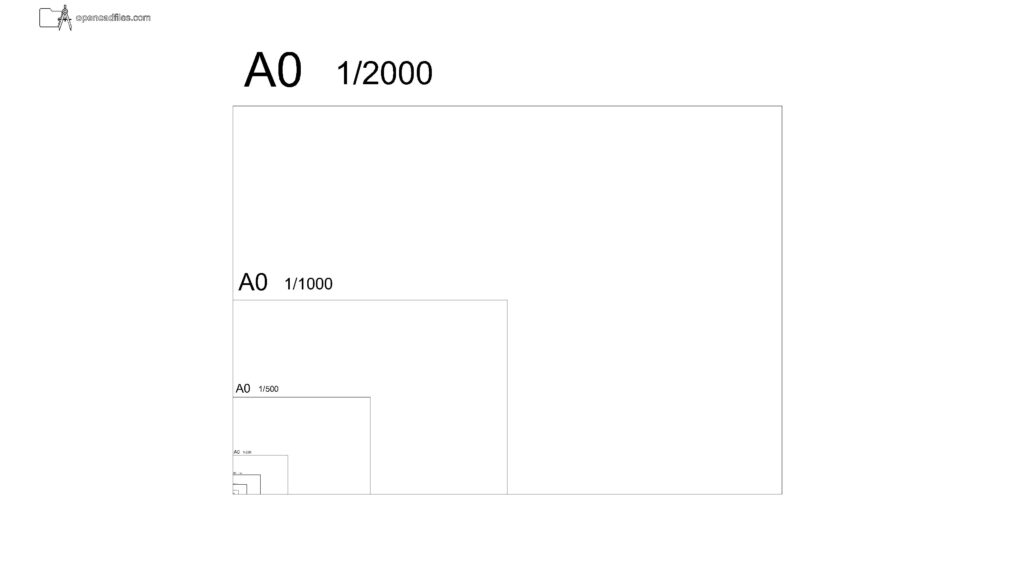 DWG
DWG
Free A0 Paper Template 1:2000 DWG Download
Download Free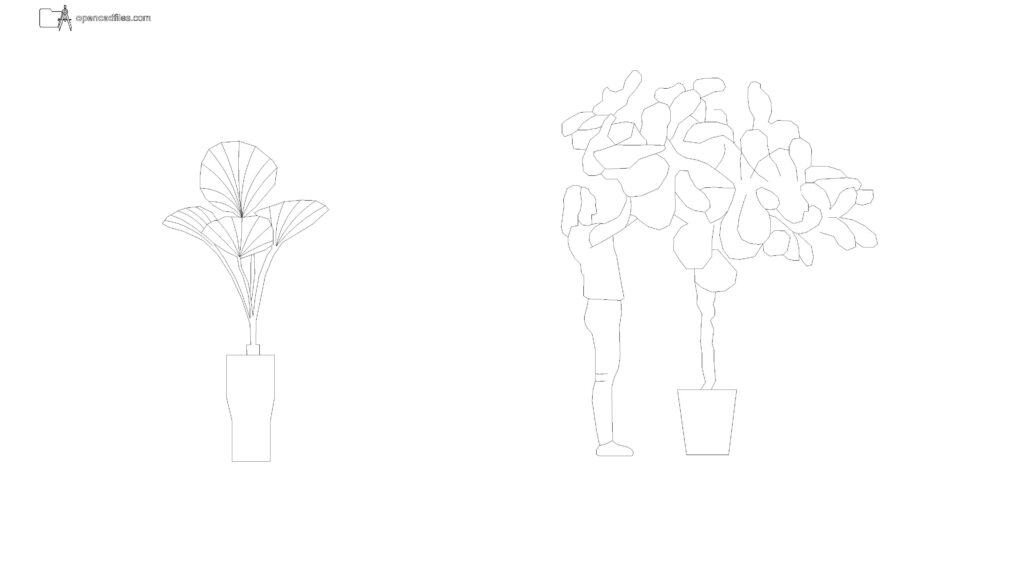 DWG
DWG
Free Broadleaf Potted Plant Elevation DWG Download
Download Free DWG
DWG